1
Initial Diagnosis: Identify Your Problem
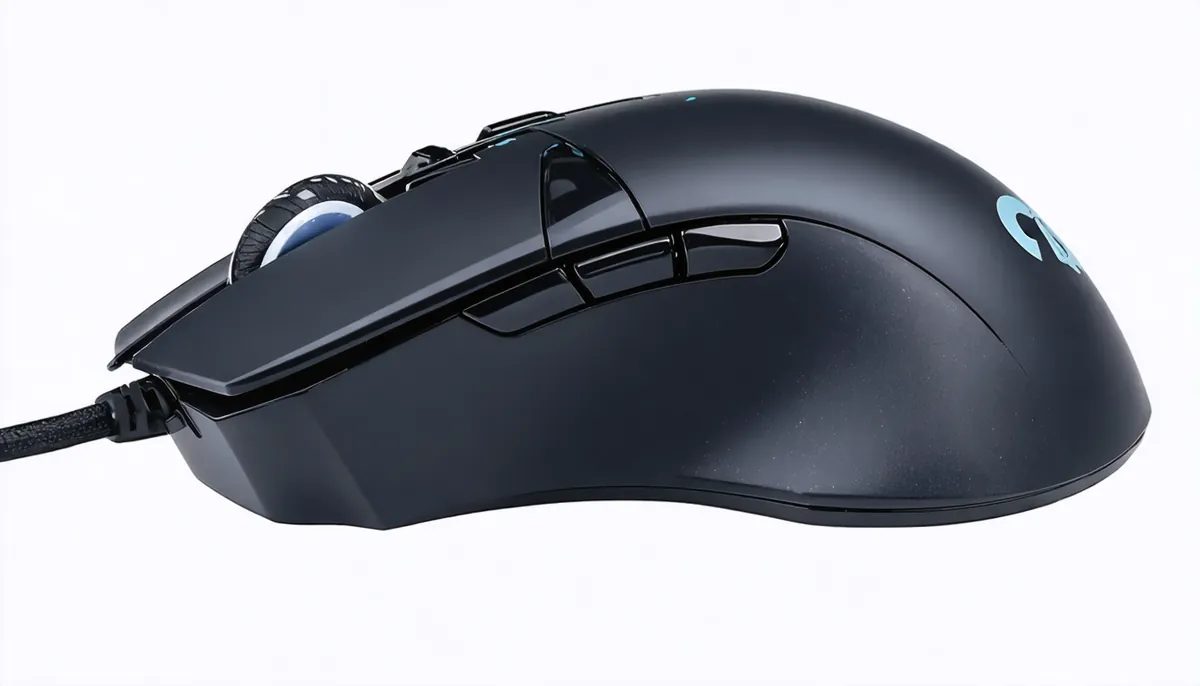
Before applying solutions, it's crucial to correctly identify the problem you're experiencing with your G203.
Also at Omar YT Play we have Complete Guide.
🖱️ Double Click Problems
- Symptoms: One click registers as two
- When it occurs: Web browsing, gaming
- Cause: Worn switch
🎡 Scroll Wheel Problems
- Symptoms: Erratic scroll or doesn't work
- When it occurs: Page navigation
- Cause: Dirty/damaged encoder
2
Quick Test: Confirm the Problem
Before proceeding with repairs, use these quick tests to confirm exactly what's failing.
In our Omar YT Play analysis: Logitech G203 LIGHTSYNC RGB Review | OMAR YT PLAY.
Double Click Test
- Method 1: Open notepad and make slow single clicks
- Method 2: Use online click test tool
- Method 3: Drag files and observe if they release
Scroll Wheel Test
- Web page: Slow scroll up/down
- Observe: Smooth vs jumpy movement
- Precision test: Scroll 1 notch = 1 line
Conclusion
With the solutions in this guide, you should have fixed your G203 problems or have a clear path to Logitech warranty.
In our Omar YT Play analysis: Master Logitech G HUB.
Remember that the G203 is an exceptional gaming mouse and Logitech has excellent customer support.
✅ Problem Solved
G203 working like new